
Taskforce Logo
Using RentSafe7 views0% helpful (0 votes)

Creating a RentSafe Job

**Please Note, if your CRM is connected and you are unable to find an address, please contact our Customer Success Team for assistance.

Jason Bright

Updated 18 February 2026

Creating a RentSafe Job

Creating a Job

1. From the Homepage, click on "Create a job"
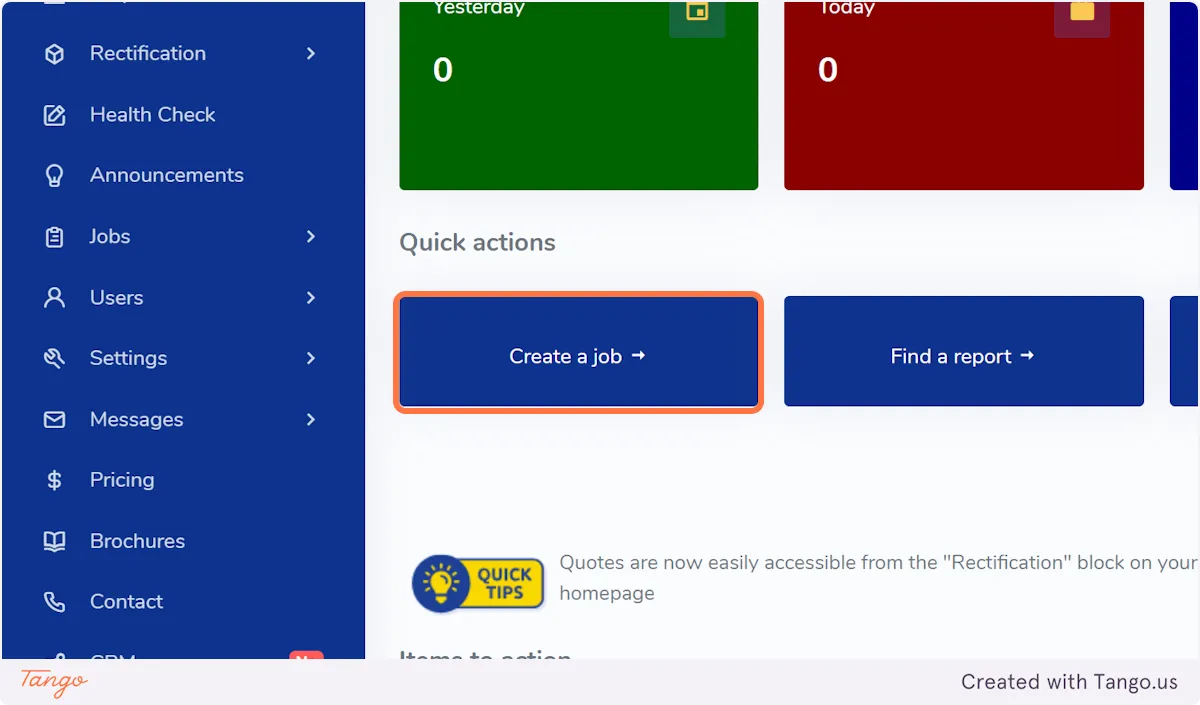
From the Homepage, click on "Create a job"

2. This will open the creation workflow - to proceed, select the appropriate pathway.
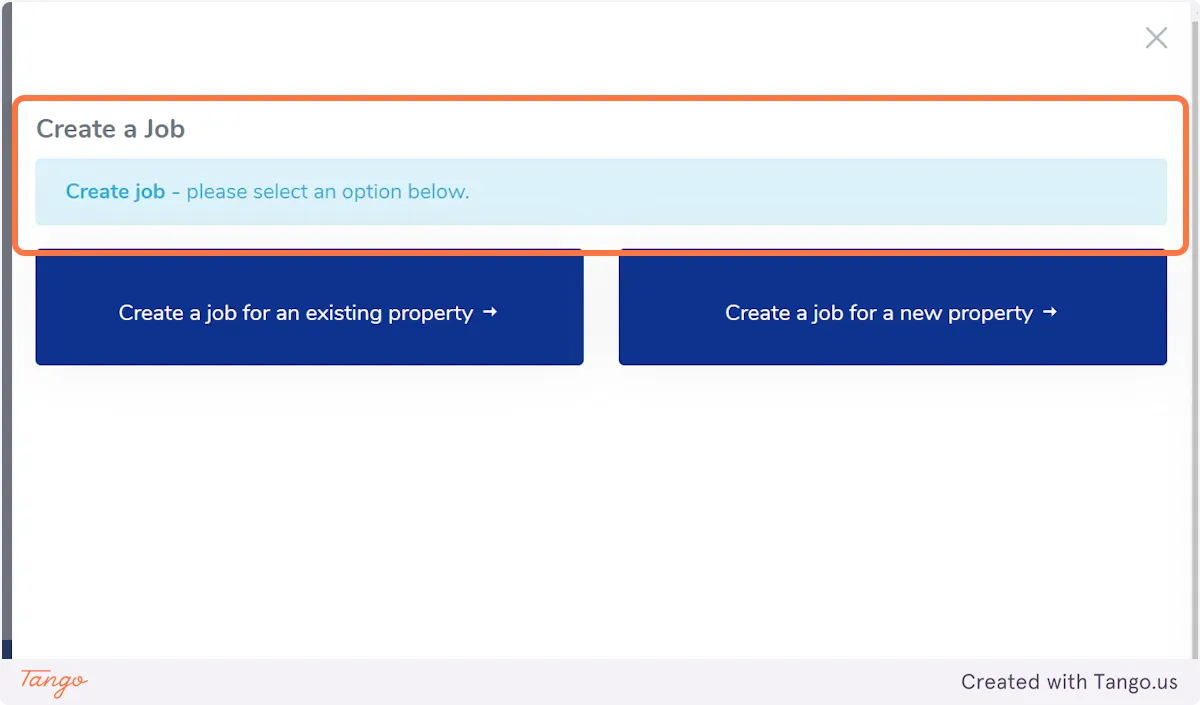
This will open the creation workflow - to proceed, select the appropriate pathway. **Please Note, if your CRM is connected and you are unable to find an address, please contact our Customer Success Team for assistance.
Please Note, if your CRM is connected and you are unable to find an address, please contact our Customer Success Team for assistance.

Was this article helpful?

Related Articles

Using RentSafe

Dashboard Announcements

Taskforce Australia are offering a free Portfolio Health Check for any Real Estate Agency where we streamline the compliance process by reviewing the service history for each property in your portfoli

90

Still Need Help?

Can't find the answer you're looking for? Our support team is here to help.