
Your Rent Roll To Do List
Your To Do list shows only what needs attention, bringing critical compliance tasks into one clear view. Approve safety checks, manage notices of entry and rectifications, and track active jobs — all from one dashboard.
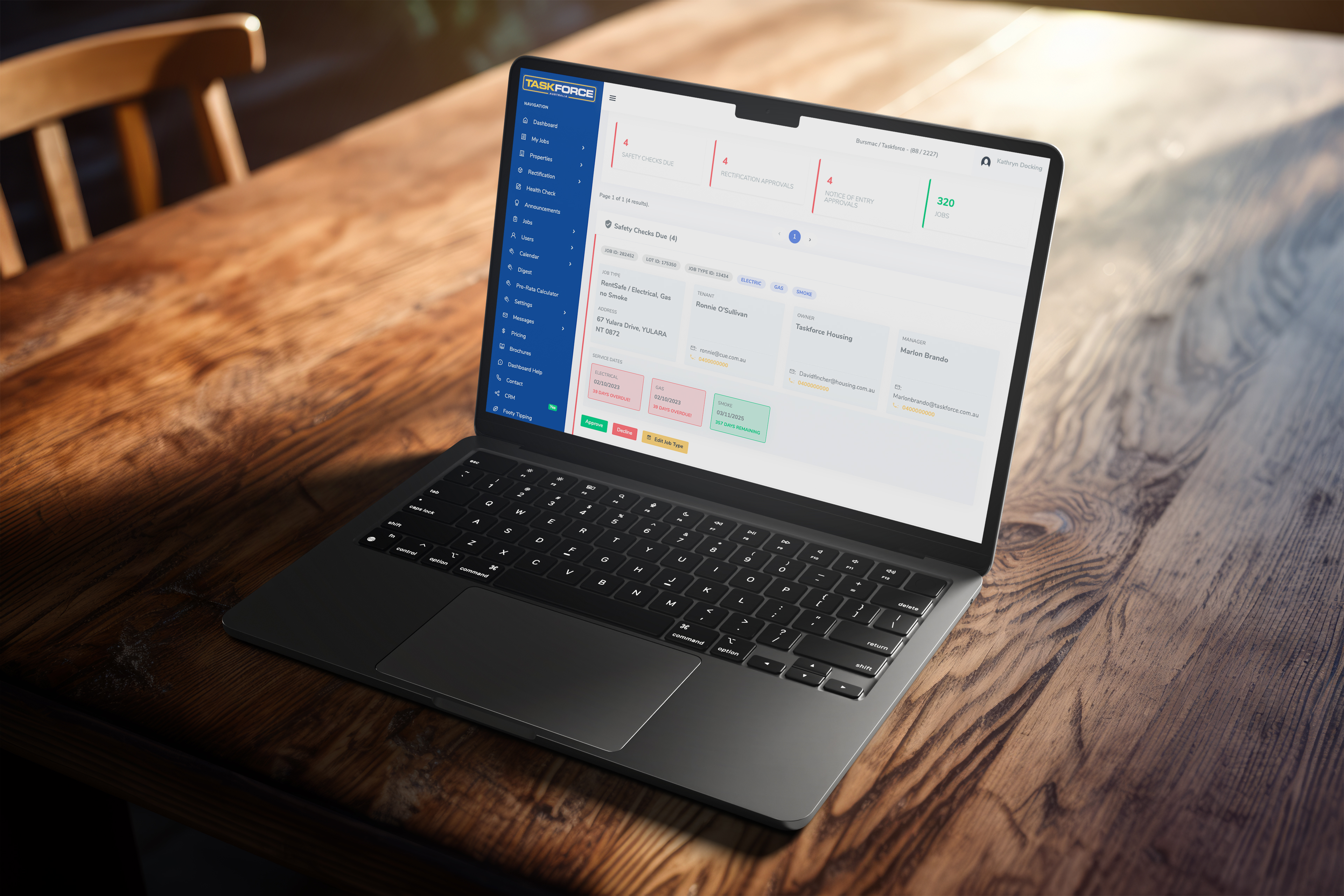
Key Features
See all your jobs requiring attention in one place
Approve, Decline and Edit Jobs
Action jobs requiring attention, with the ability to add notes as required
View and Action Rectification Quotes
Quick view of all rectification quotes requiring action, and approve or decline on the spot
Manage Notices Of Entry
Streamline your notice of entry process with the ability to send a physical letter at the click of a button
Review Active Jobs
Review all active jobs in the one place
Safety Checks Due
By clicking on the "Safety Check Due" tile you can view and action safety check jobs which are due, along with adding notes as internal reminders for yourself about a job or a property. Use the arrows to click through the screenshots below.
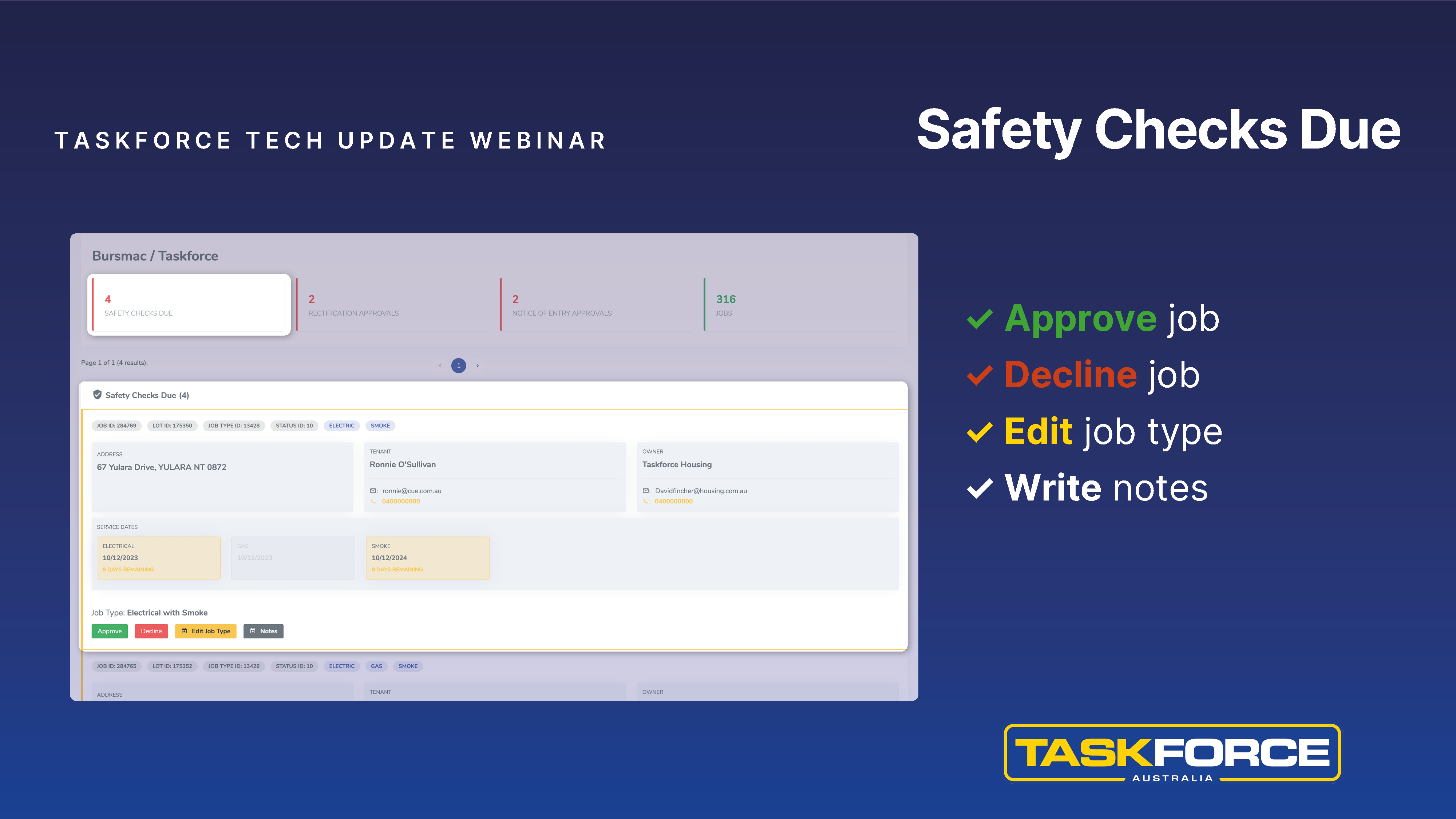
By clicking the Safety Checks tile, you can view, approve, decline, edit and write notes for jobs which are close to expiring.
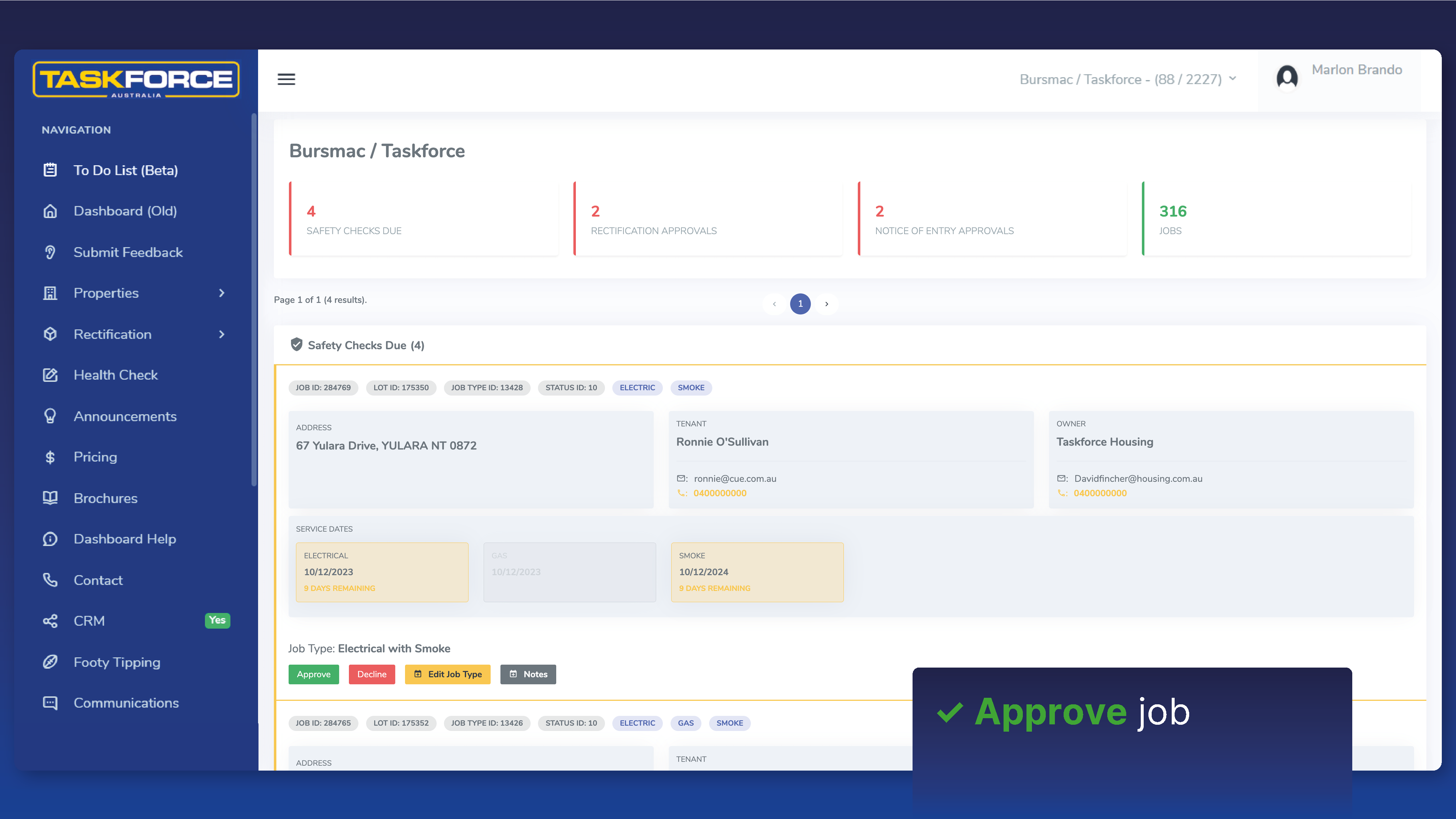
To approve a job, simply check the job type and click the green "Approve" button below it.
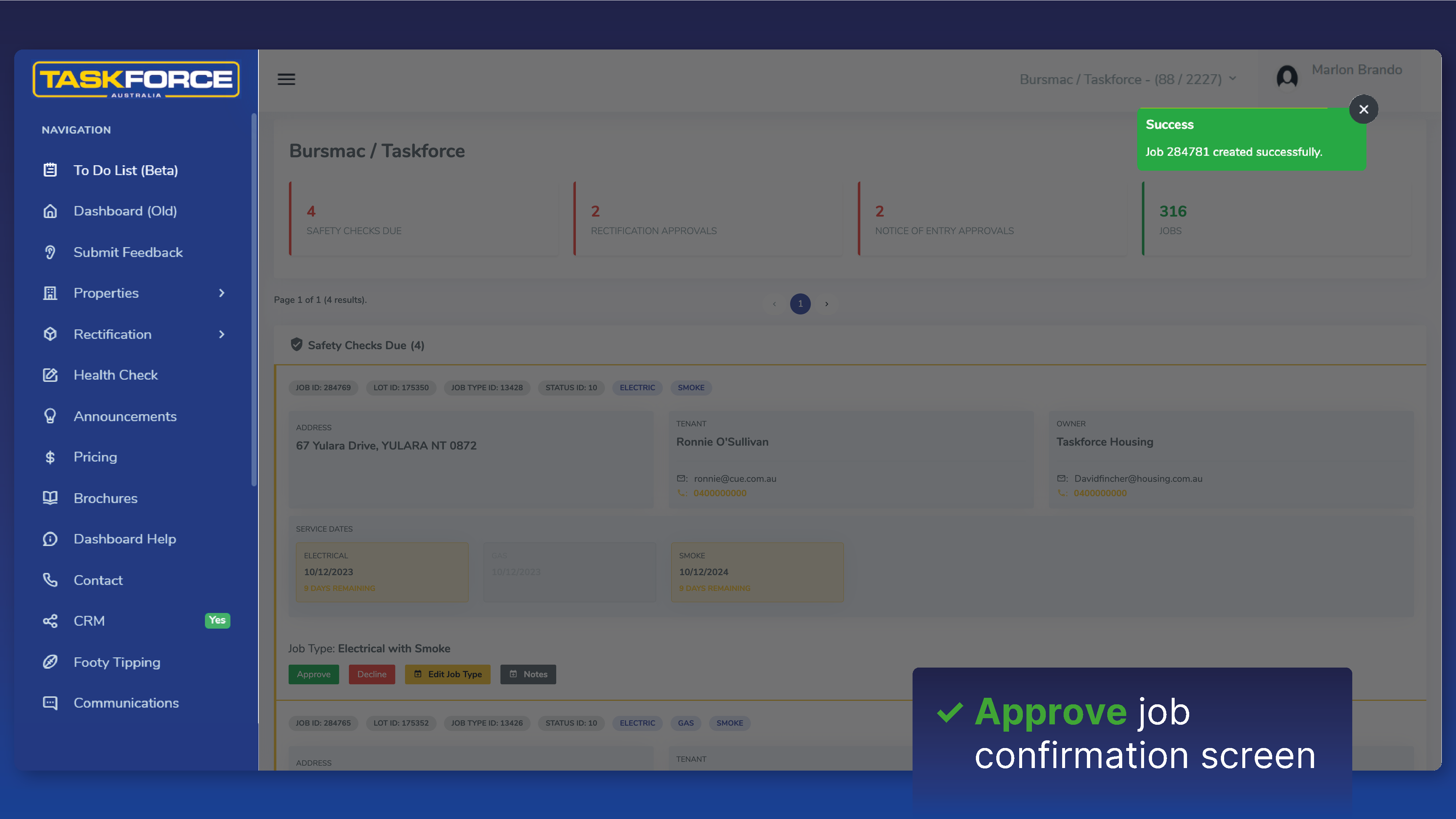
A confirmation screen appears to confirm the job has been created successfully. This job will now no longer appear in your Safety Checks tile and you can move on to actioning the next job.
Rectification Approvals
By clicking on the "Rectification Approvals" tile you can view and action rectification quotes quickly and easily. Use the arrows to click through the screenshots below.
By clicking the Safety Checks tile, you can view, approve, decline, edit and write notes for jobs which are close to expiring.
To approve a job, simply check the job type and click the green "Approve" button below it.
A confirmation screen appears to confirm the job has been created successfully. This job will now no longer appear in your Safety Checks tile and you can move on to actioning the next job.